M5Stack ATOM Echo
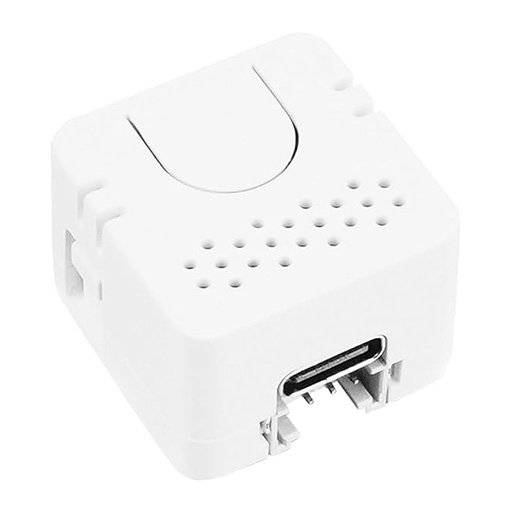
Built-in PDM microphone, status LED feedback, USB-C
Flash your ESP32 device with the audio-reactive firmware for use with Aqara Advanced Lighting. Connect your device via USB and click Install.
Current version: v0.4.3
Firmware auto-selects one of two DSP pipelines based on the board's hardware. The basic tier runs on the original ESP32 (ATOM Echo, M5StickC Plus2): 512-point FFT at 22kHz, autocorrelation beat tracker, complex-domain onset detector, 3 frequency bands (bass/mid/high). The pro tier runs on ESP32-S3 + PSRAM boards (ATOM Echo S3R, Waveshare ESP32-S3 Audio): 2048-point FFT at 44.1kHz, BTrack dynamic-programming beat tracker, SuperFlux onset detector, and 7 musical bands (low_bass, bass, low_mid, mid, upper_mid, high, air) plus a calibration-stale diagnostic. See the README for the full capability matrix.
| Board | SoC | Tier |
|---|---|---|
| M5 ATOM Echo | ESP32 | Basic |
| M5StickC Plus2 | ESP32-PICO-V3-02 | Basic |
| M5 ATOM Echo S3R | ESP32-S3 + 8MB PSRAM | Pro |
| Waveshare ESP32-S3 Audio | ESP32-S3 + 8MB PSRAM | Pro |
Existing S3 devices auto-upgrade to the pro pipeline on flash. The first boot after upgrade exposes a Calibration Stale diagnostic (on until you re-run quiet-room + music calibration) and linearly interpolates V1 calibration data as a stopgap.
Built-in PDM microphone, status LED feedback, USB-C
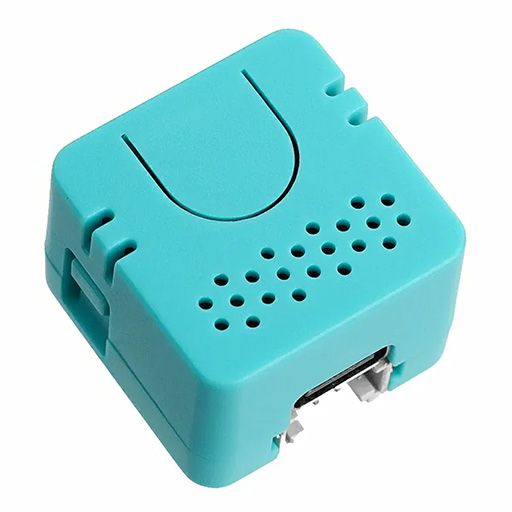
ES8311 codec, speaker feedback, ESP32-S3, USB-C
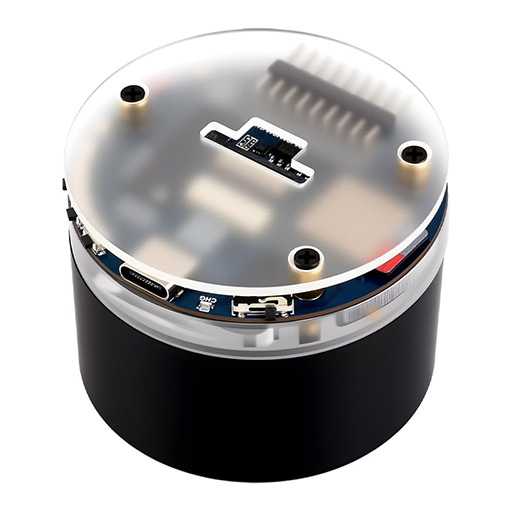
ES7210 dual mic, ESP32-S3, 7-LED ring feedback, battery, USB-C
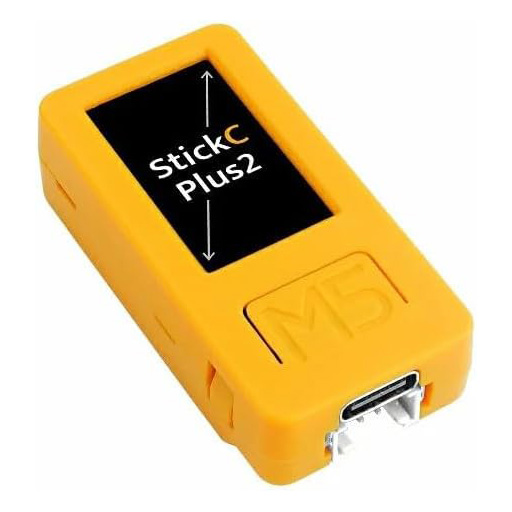
Built-in PDM mic, screen feedback, battery, USB-C
Note: After flashing, the installer will prompt you to enter your Wi-Fi credentials. The device will then be detected in Home Assistant ESPHome automatically.
ESP32-S3 devices (S3R, Waveshare): If the installer can't connect, hold the BOOT button while plugging in the USB cable, then click Install.
If you prefer to compile yourself or need a custom configuration, see the README for ESPHome external component setup.